Free
$0/month
For getting started with private apps inside a teamspace
Plan includes:
- Up to 3 apps
- Public apps
- No custom domains
- File uploads up to 100 MB per base
- Up to 1k records per base
- Pay-as-you-go AI credits
Tell TaylorDB what you need to collect. It turns your prompt into a clean full-page form people can scan, complete, and submit without extra setup.
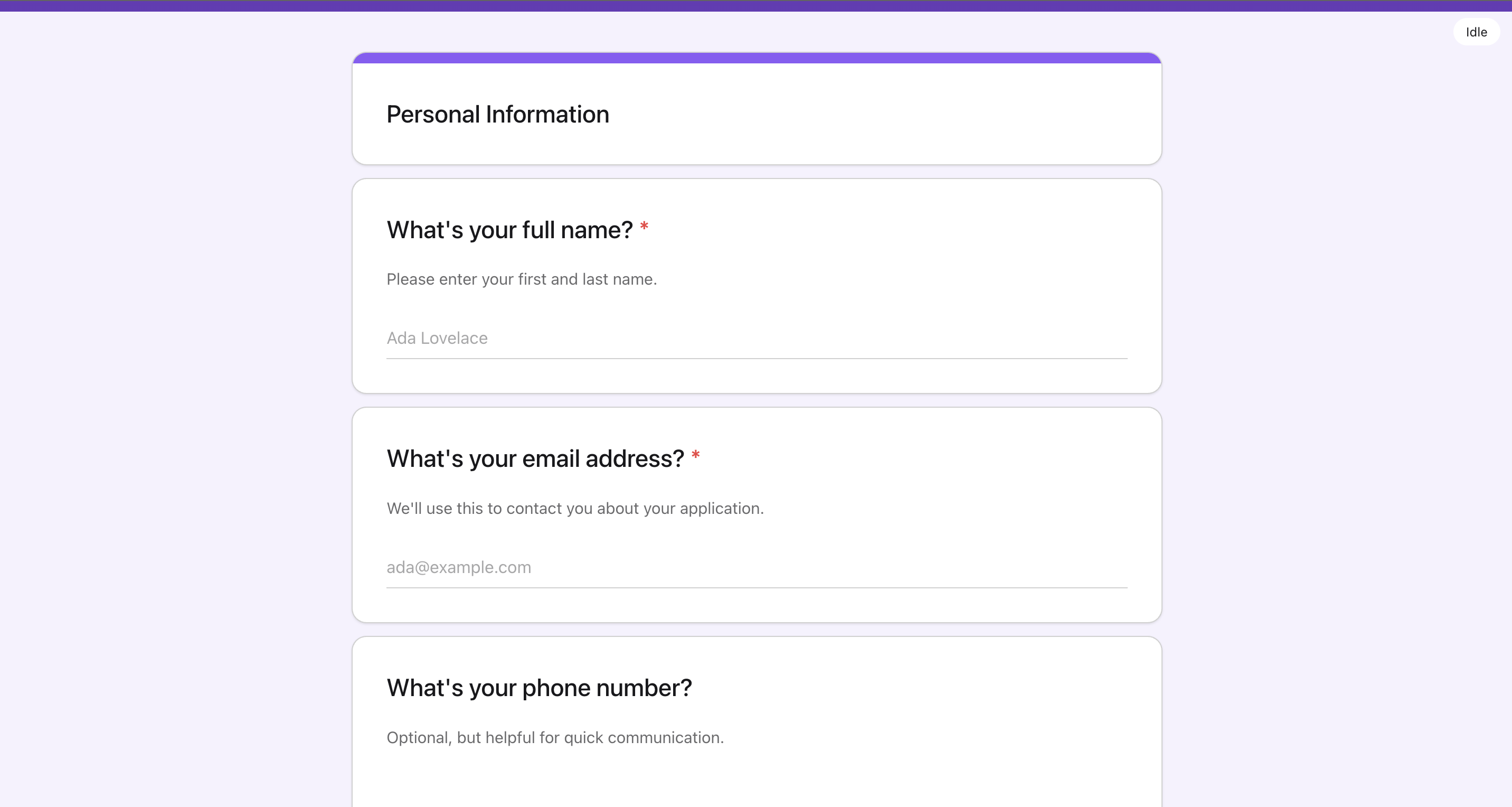
Live preview
Open a live app built from this template.
How it works
A familiar full-page form with the same AI-first start.
Describe the form, who should fill it out, and which fields are required.
TaylorDB turns the prompt into the first version with labels, inputs, sections, and submit behavior already in place.
Use a classic form when people should review several questions at once before submitting.
Group related fields into clear sections for surveys, registration pages, intake flows, and feedback requests.
Ask for new fields, clearer labels, required answers, helper text, or a better confirmation message.
The form changes around your instructions, so you do not need to rebuild it by hand.
Each submission lands in TaylorDB with the fields you defined.
Filter, review, and follow up from a structured database instead of sorting through disconnected notifications.
Publish the form as a direct link when you need a standalone page.
Embed it into a website when the form belongs inside an existing customer, candidate, or community flow.
Pick the form style that fits the job, then customize the details with TaylorDB.
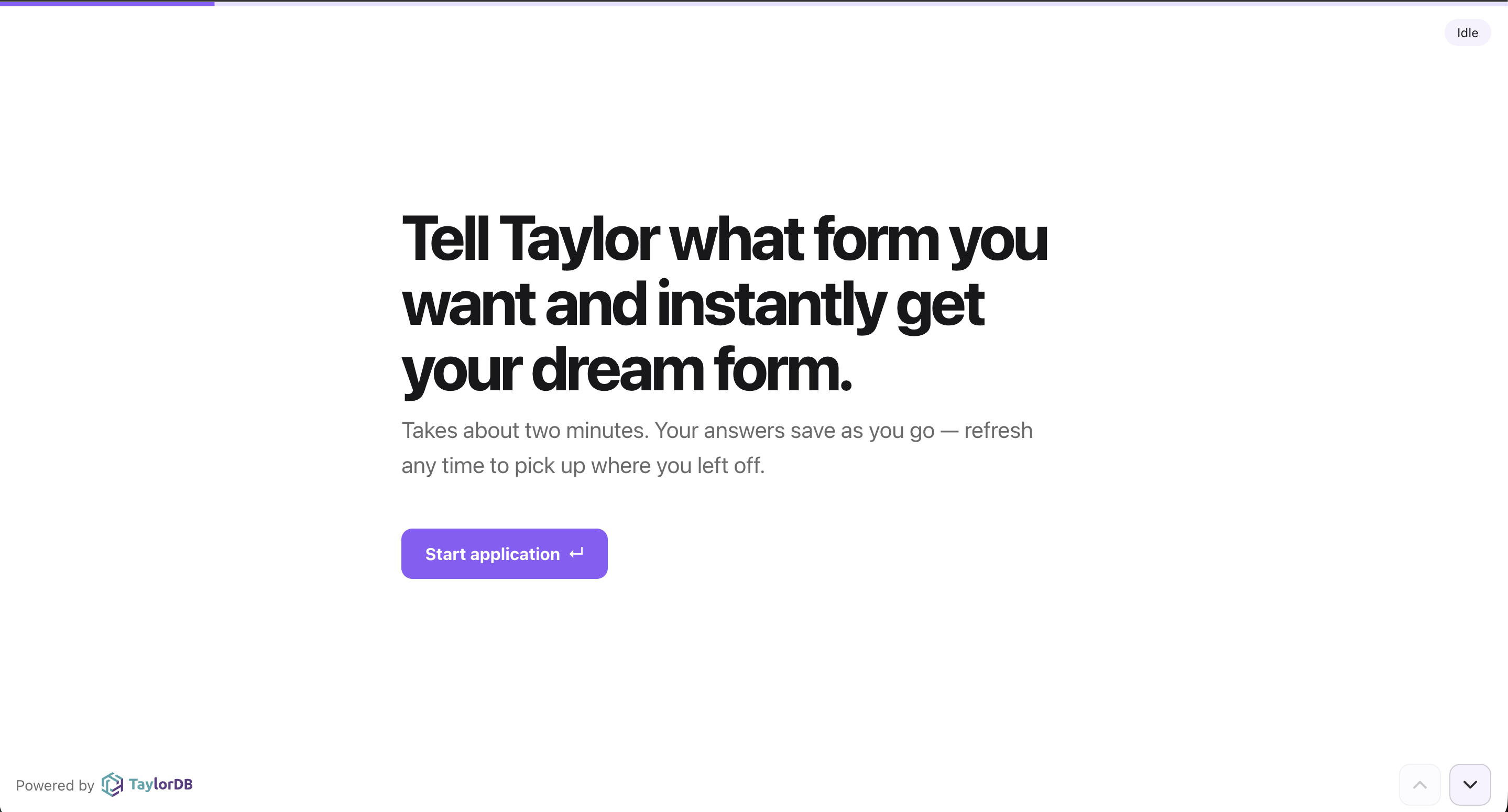
Build polished, guided forms that collect responses, uploads, and feedback in a one-question-at-a-time flow. Share them as standalone pages or embed them on any website, with responses stored in TaylorDB.
Describe the form you need and TaylorDB turns it into a clean, classic form people can scan before they submit. Use it for surveys, registrations, intake, and feedback.
Pricing
Build your first apps without a sales call. Add public apps, custom domains, and implementation help when the work gets bigger.
For getting started with private apps inside a teamspace
Plan includes:
For teams that need public apps, custom domains, and higher limits
Everything in Free, plus:
For teams that need custom pricing, support, and implementation help
Everything in Pro, plus:
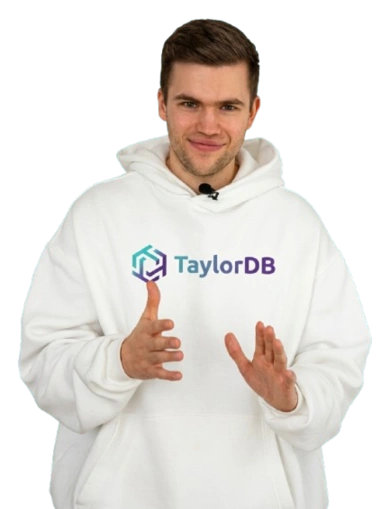
Hi, my name is Tobias, founder of TaylorDB. Tell me about anything that feels confusing, broken, genuinely useful, or just not quite right. I'll respond personally within 12 hours. Prefer email? Write to tobias@taylordb.ai.
Tobias Anhalt, Founder